Super RGB Editor to change colors without compromise

Super RGB Editor to adjust colors , without compromising picture beauty
Click any edit style below, to adjust HSL/RGB of colors, or for image transformations.
To adjust RGB, select Red/Green/Blue change functions, or color replace options. Increasing Saturation or contrast may increase red/green/blue levels. However, when reducing or increasing colors/saturation, to maintain color depth/balance , adjust black-white, light-darkness settings on controls of this HSL Editor page.
Increase Red/Green/Blue (RGB primary colors)

RGB Editor to Reduce Red/Green/Blue primary colors

Alter Saturation, Light, black & white
Adjust Saturation, Light, Darkness, black/white retaining some hue
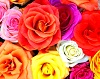
High Saturation
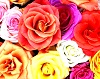
Contrast, Light, Dark
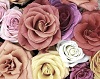
Low Saturation
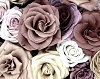
Low Saturation, Light and Dark
Super RGB Editor for gray scale
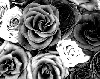
Dark Gray Shades

Light Gray Scale
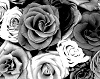
More Shades, High Contrast
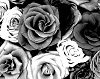
More Black and White
Replace Colors
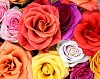
Replace by Red
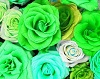
Replace by Green
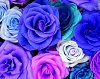
Replace by Blue
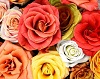
Replace by Orange
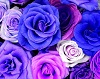
Replace by Purple
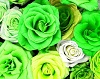
Replace by Lime
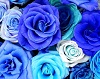
Replace by Azure
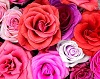
Replace by Pink
Shift Hue
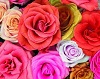
Shift-1
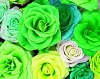
Shift-3
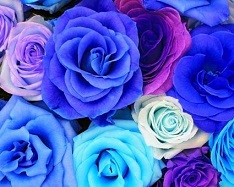
Shift-4
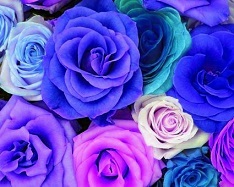
Shift-5
Increase or Reduce Red,Green,Blue (RGB primary colors) of pixels
Increase R/G/B colors
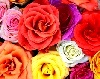
Red
Green
Blue
Green Maximum
Decrease R/G/B colors
Red
Green
Blue
Remove R