Super HSL Editor to change colors without compromise
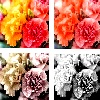
HSL Editor to adjust Hue-saturation-light, without compromising picture beauty
Click any edit style below, to adjust HSL/RGB of colors, or for image transformations.
To adjust HUE, select Red/Green/Blue change functions, or color replace options. But, to change saturation, light, black-white levels, select the other color edit options, on this HSL Editor page.
Increasing saturation or contrast will produce a more colorful image with bright Hue. However, When changing Saturation, adjust black-white , darkness-light, to uphold color depth.
HSL Editor, to increase saturation, light, maintaining color depth
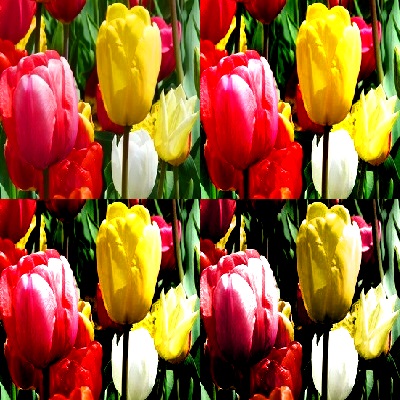
HSL Editor, to reduce saturation, light, maintaining color depth
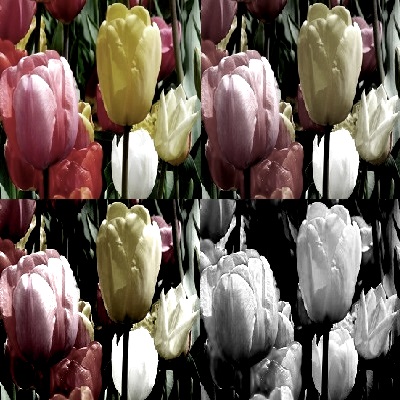
Alter Saturation, Light, black & white, for HSL effects
Adjust Saturation, Light, Darkness, black/white retaining some hue
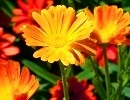
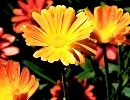
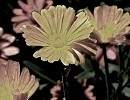
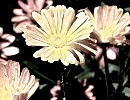
Super HSL Editor for gray scale
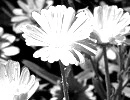
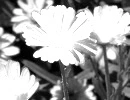
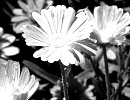
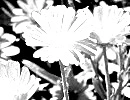
Replace Colors, to modify HUE
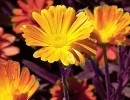
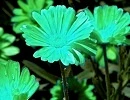
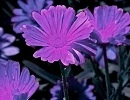
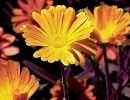
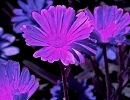
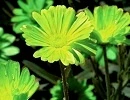
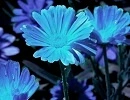
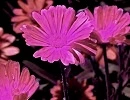
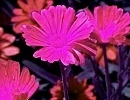
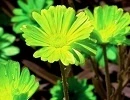
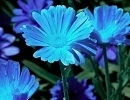
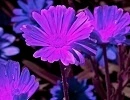
Increase or Reduce Red,Green,Blue to manage HUE
Increase R/G/B primary colors
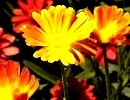
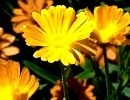
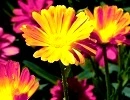
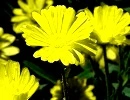
Decrease R/G/B primary colors
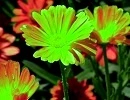
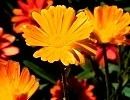
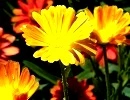
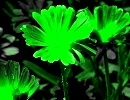
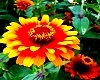
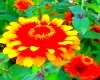
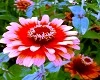
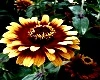
Alter Saturation, Light, black & white, for HSL effects
Adjust Saturation, Light, Darkness, black/white retaining some hue
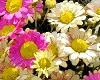
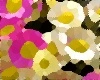
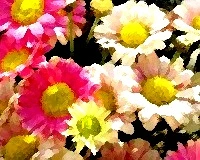
Super HSL Editor for gray scale