Adjust Color saturation , instantly, Online
In 1 Click, Adjust Color saturation, with customizable curve
Increase or Decrease Color Saturation
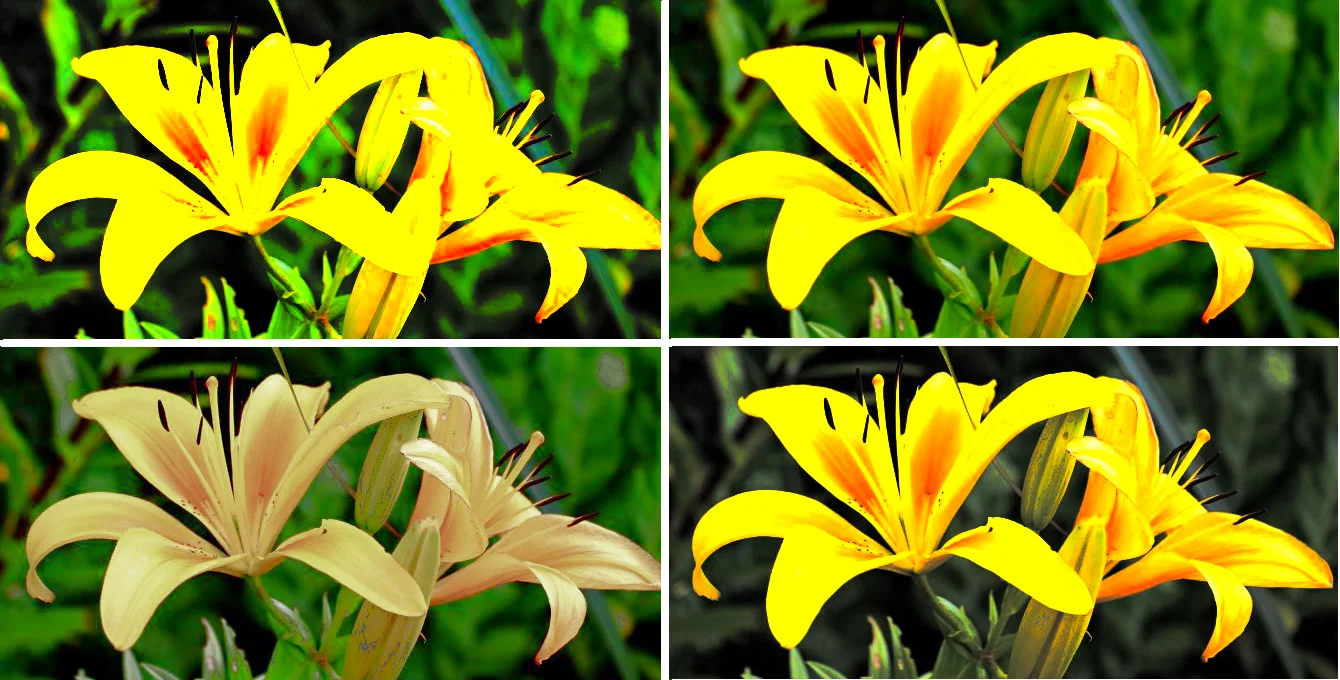
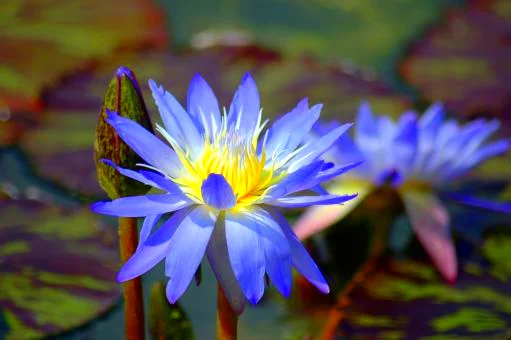
Increase of Color Saturation
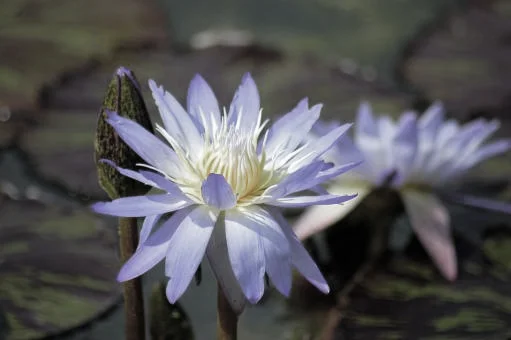
Color Saturation Decrease
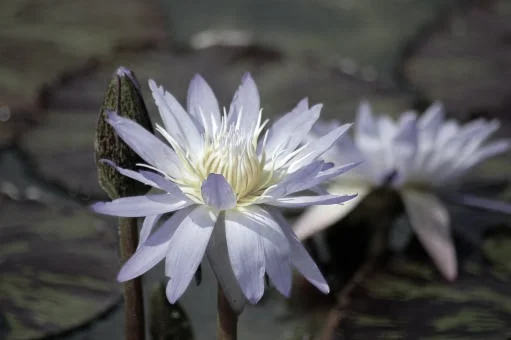
Color Saturation Decrease to Very Low
Change Saturation and Light
Adjust Saturation, Light, Darkness, Contrast
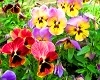
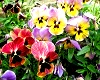
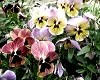
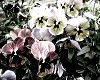
Beautiful Gray Shades Pictures
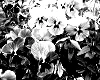
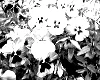
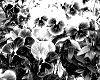
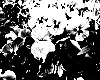
Replace Colors Easily
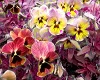
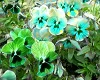

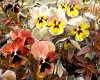
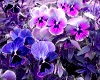
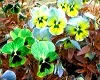
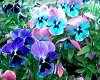
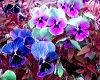
Increase or Reduce RGB Primary Colors, Retaining Color Balance
Increase R/G/B
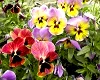
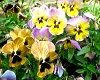
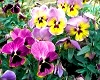
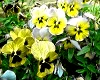
Decrease R/G/B
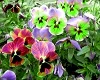
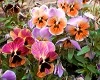
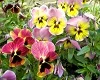
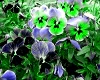
Advanced Color Adjustments: Adjust colors by curves
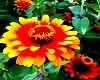
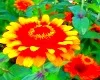
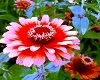
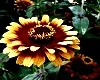
Change Saturation and Light
Adjust Saturation, Light, Darkness, Contrast
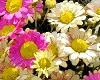
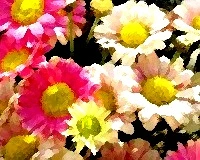
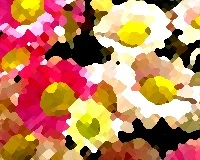
Beautiful Gray Shades Pictures
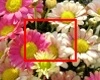

Increase Color saturation by Curve
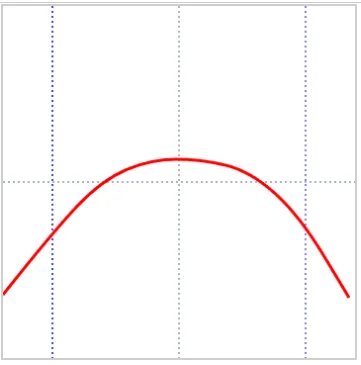
Red/Green/Blue (RGB) are additive primary colors , used to create colors on digital screens by combining these lights. It is the standard color system for digital screens (monitors, televisions, digital cameras, and scanners) producing white when all colors are at full intensity. CMY stands for Cyan, Magenta, and Yellow, a subtractive color model (subtracting light) used in color printing, where mixing all three produces black (dark tones). This online system helps you to adjust color saturation of individual pixels, through a color curve. To increase or decrease `color saturation`, you should adjust the curve to a smooth shape. The bell shaped curve would produce an optimum picture , for saturation increase. The left part of the curve represents dark colors and right part represent colors with more light (more red/green/blue). the y-values above the x-axis(horizontal) represent plus values (for saturation increase), and the values below the x-axis ( horizontal) are minus values (for saturation decrease). This bell shaped curve will increase saturation for colorful pixels, and reduce saturation for white or dark colors. However, you can adjust the curve as you desire, according to the picture lightness/darkness, etc , and these adjustments must be done with gradual change and test. To adjust the saturation of dark colors, adjust the left part of the curve; and to adjust the saturation of light or bright colors , adjust the right part of the curve .
Try to make the curve as smooth as possible ( less sharp) , to make sure the color transitions are smooth (gradual), and realistic. You can also adjust the `intensity` value, to increase or decrease the effect.
Reduce Color Saturation by Curve
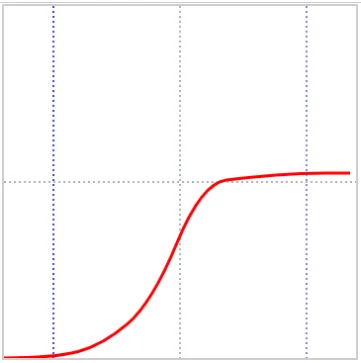
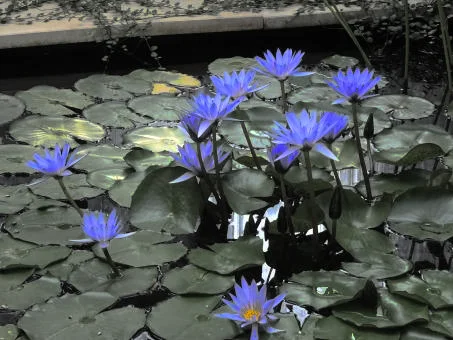
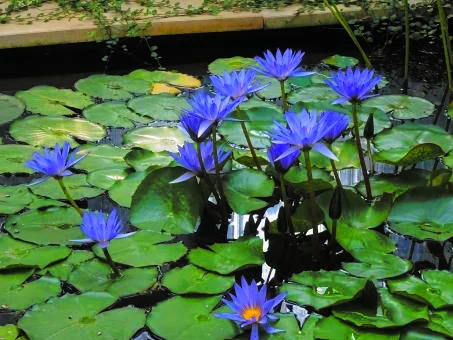
Red/Green/Blue (RGB) are additive primary colors , used to create colors on digital screens by combining these lights. It is the standard color system for digital screens (monitors, televisions, digital cameras, and scanners) producing white when all colors are at full intensity. This online system helps you to manipulate color saturation of image pixels well, by easily adjusting the curve. The S shaped curve produce a picture with high saturation for bright colors and low saturation for dark colors. Further , you can adjust the curve as you desire, and set the intensity level to , to reduce or increase the effect on saturation adjustment. To adjust the saturation of dark colors, adjust the left part of the curve; and to adjust the saturation of high color pixels, adjust the right part of the curve . You should adjust the curve according to the lightness or darkness of the picture, but these adjustments aught to be done with gradual change and test.
Try to make the curve as smooth as possible ( less sharp) , to make sure the color transitions are smooth (gradual), and realistic.