App for Image Color Edit
Download Image Color Editor App for Windows 10.0 and above, x64
If you have any issue with the app installation, or with the already installed app, please uninstall old versions and install latest version, by clicking above link
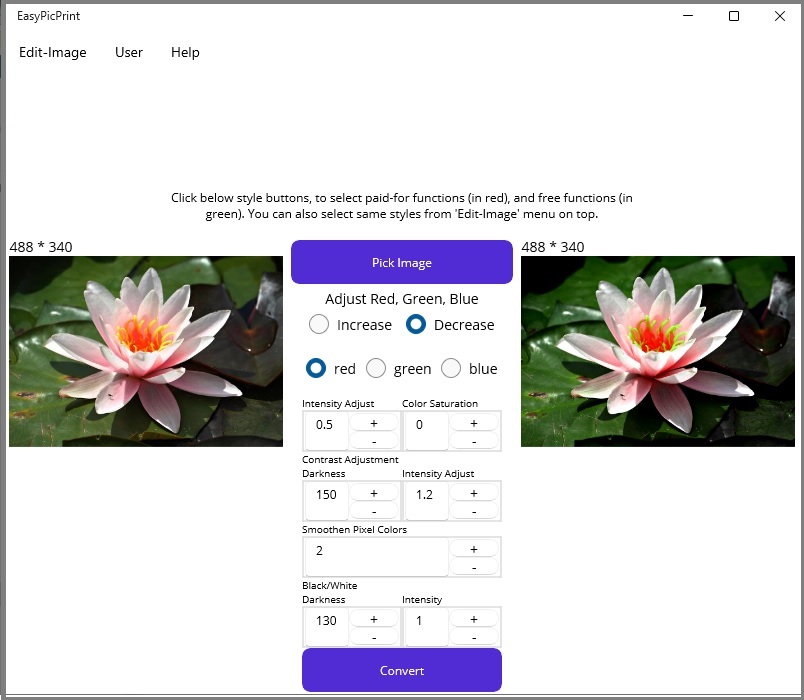
RGB, HSL, BLACK, WHITE, addjustments & SMOOTHEN, PAINT, CARTOON effects.
App for Easy and Super, Image Color Edits. Do color enhancements, color changes, in one click. You can make, RGB,HSL,BLACK,WHITE adjustments and picture SMOOTHEN,PAINTING, CARTOONIZING, ENLARGING, and much more, in just a single click.
Easy and Super, RGB Color Edits
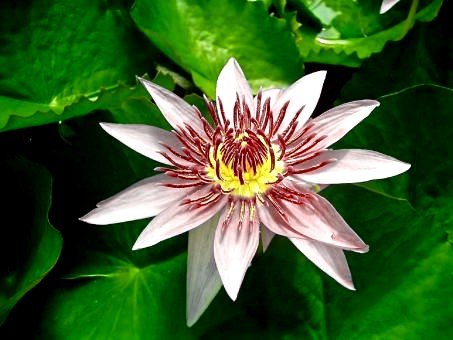 Easily increase or decrease red / green / blue (RGB), without image distortion, retaining color balance and beauty of picture.
 - How you can adjust red, green, blue, for a better picture
- Select the relevant RGB tool (click the relevant button) from the app, make necessary adjustmensts to default settings, and press convert button. You can save the result in jpg or png format via the relevant button. However, default setting is good for general needs.
- To reduce or increase color, make adjustments to the saturation value.
- For further customization, you can adjust the color contrast intensity, to increase or reduce color depth, or colorfullness.
- Further, you can adjust black, white, for special effects or printing advantages.
Super HSL Color Edits
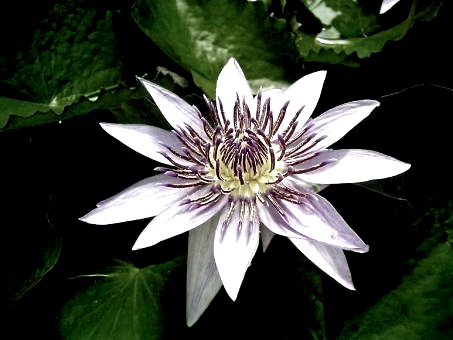 You can edit hue, saturation, lightness, darkness, and even adjust color contrast, easily for a more beautiful, stunning picture.
- How to make HSL adjustments
- Select the HSL tool from the app, make necessary adjustmensts to default settings, and press convert button. You can save the result in jpg or png format via the relevant button. However, default setting is good for general needs.
- For further customization, you can adjust the color contrast intensity, to further, increase or reduce color depth, or colorfullness.
- Further, you can adjust black, white, for special effects or printing advantages. When you reduce saturation, it is better to increase black-white, to improve color depth and retain picture beauty.
Adjust Black and White, for Stunning Pictures and Print
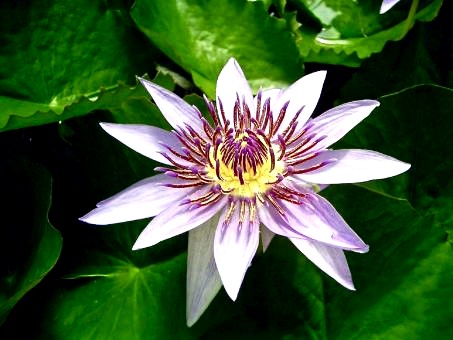 Easily adjust black and white, for special printing needs or to enhance picture beauty. You can easily increase black and white, retaining color balance and picture beauty, and also reduce printing cost.
 - How you can adjust black and white for a better picture
- Select the relevant black-white tool (click the relevant button) from the app, make necessary adjustmenst, and press convert button. You can save the result in jpg or png format via the relevant button. However, default setting is good for general needs.
- For further customizing, adjust the curve and intensity, and try again.
- To increase white, lift the right side of curve up, and to increase black, push the left side of curve downwards.
Smoothen image, convert into painting
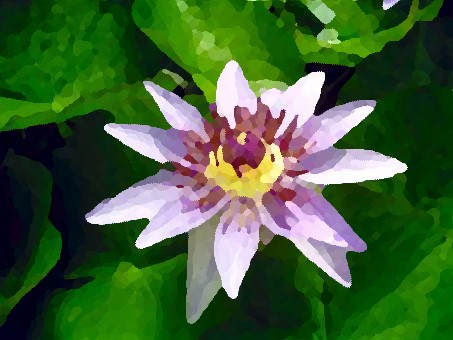 Use this app to smoothen images, smoothen colors, or create beautiful paintings or cartoons as well.
- How to smoothen image or convert into painting
- Select the relevant smoothen tool (click the relevant button) from the app, make necessary adjustmenst, and press convert button. You can save the result in jpg or png format via the relevant button. However, default setting is good for general needs.
- By increasing 'adjustment for colors', you can mix colors of larger areas, and increase smoothness effect. But, if you want to retain more detail, keep this value in default setting or low.
- By increasing 'refine/curving', you can increase curves and the smoothening effect. But, please note that, this increases processing time and will change the picture intensely.